Pluminate Lite: a native code editor for macOS.
Open the folders you choose and get straight to work: syntax highlighting, fast search powered by bundled ripgrep, Markdown preview and light and dark themes. Fully sandboxed, with no accounts and no tracking.
The App Store listing is not live yet.

Focused, fast and private
Everything you need to read and edit code, and nothing running in the background.
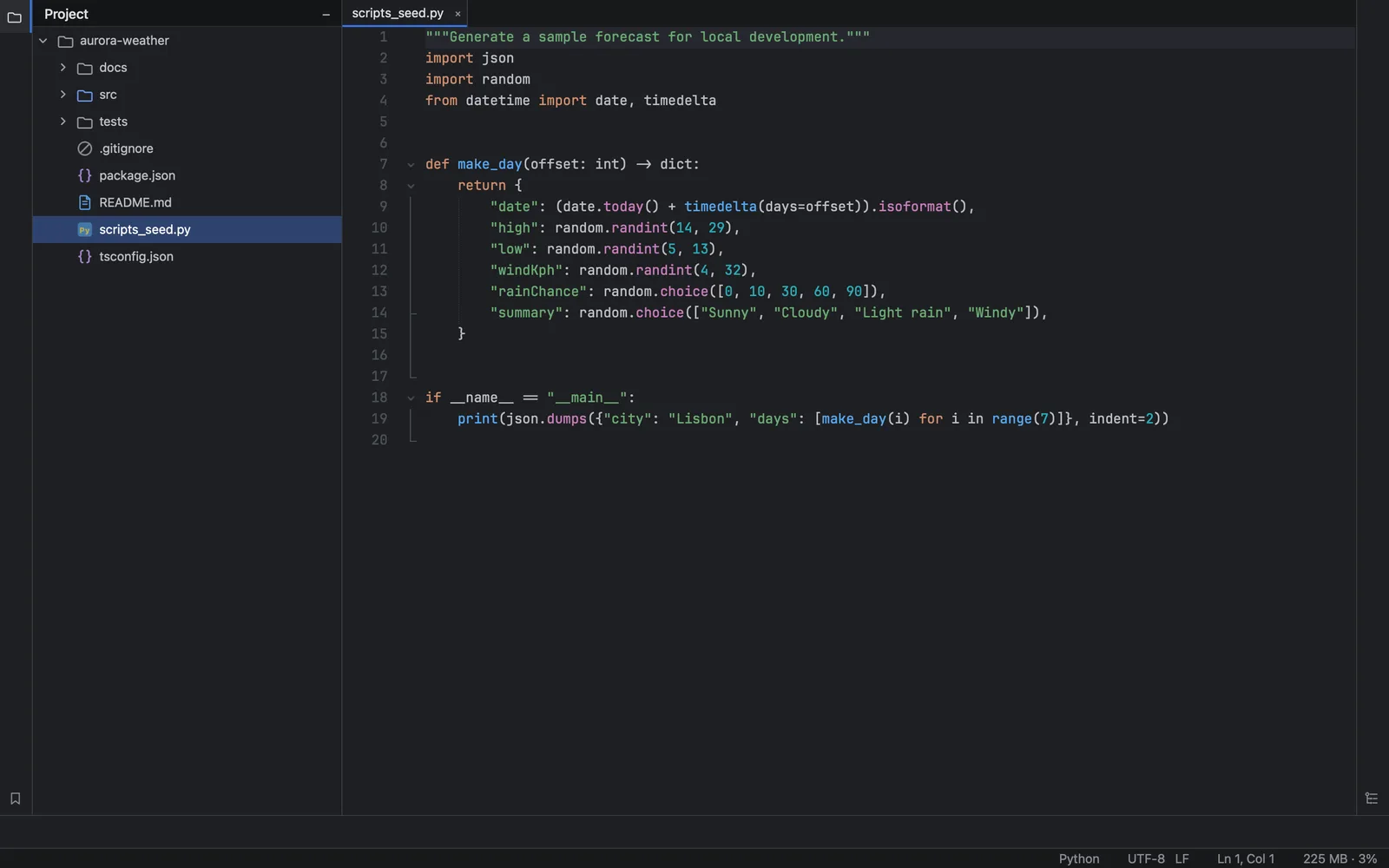
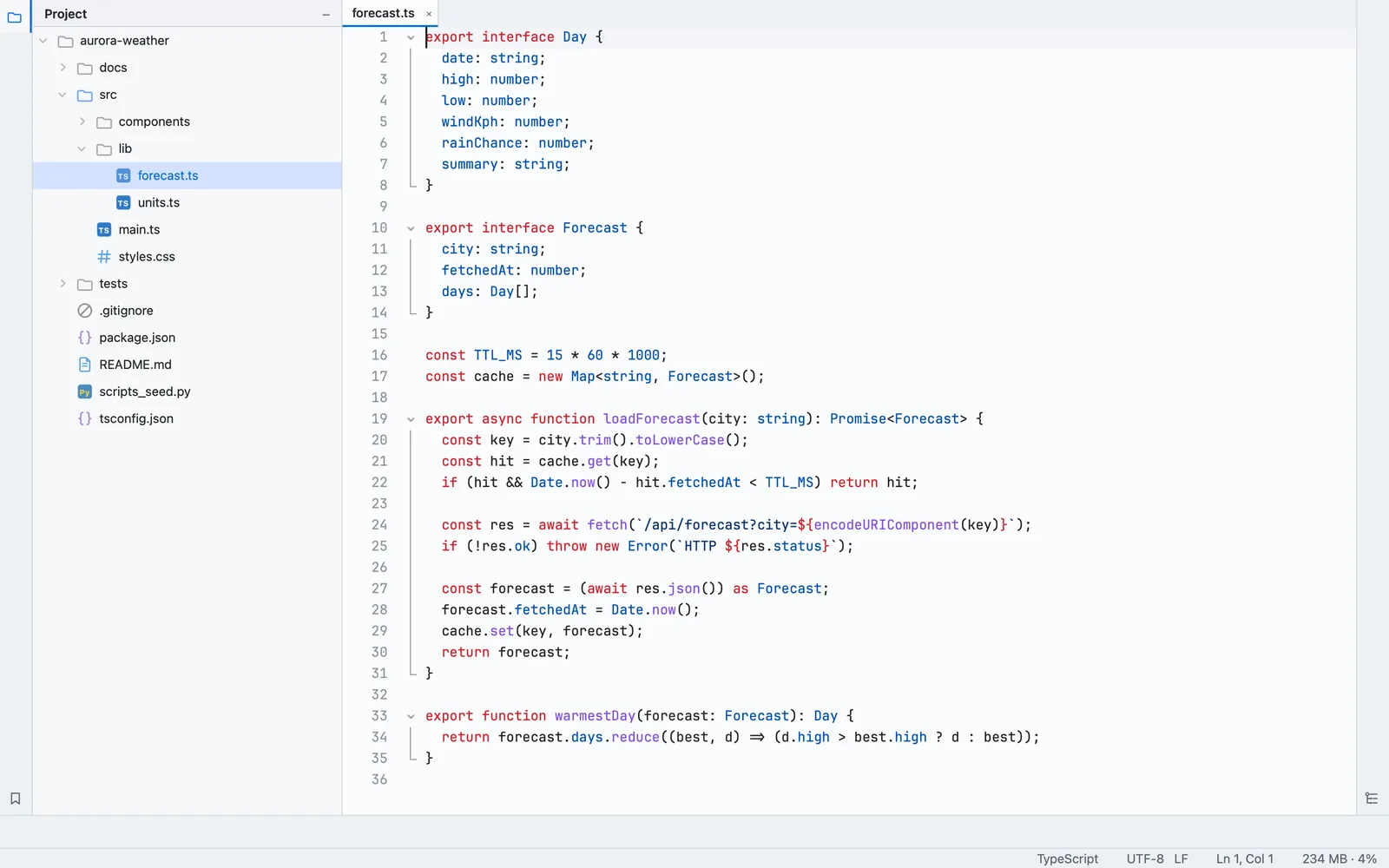
Syntax highlighting
Clear, readable highlighting for the languages you work in, with line numbers, code folding and indent guides.
Fast search
Search across a whole folder in an instant, powered by a bundled copy of ripgrep.
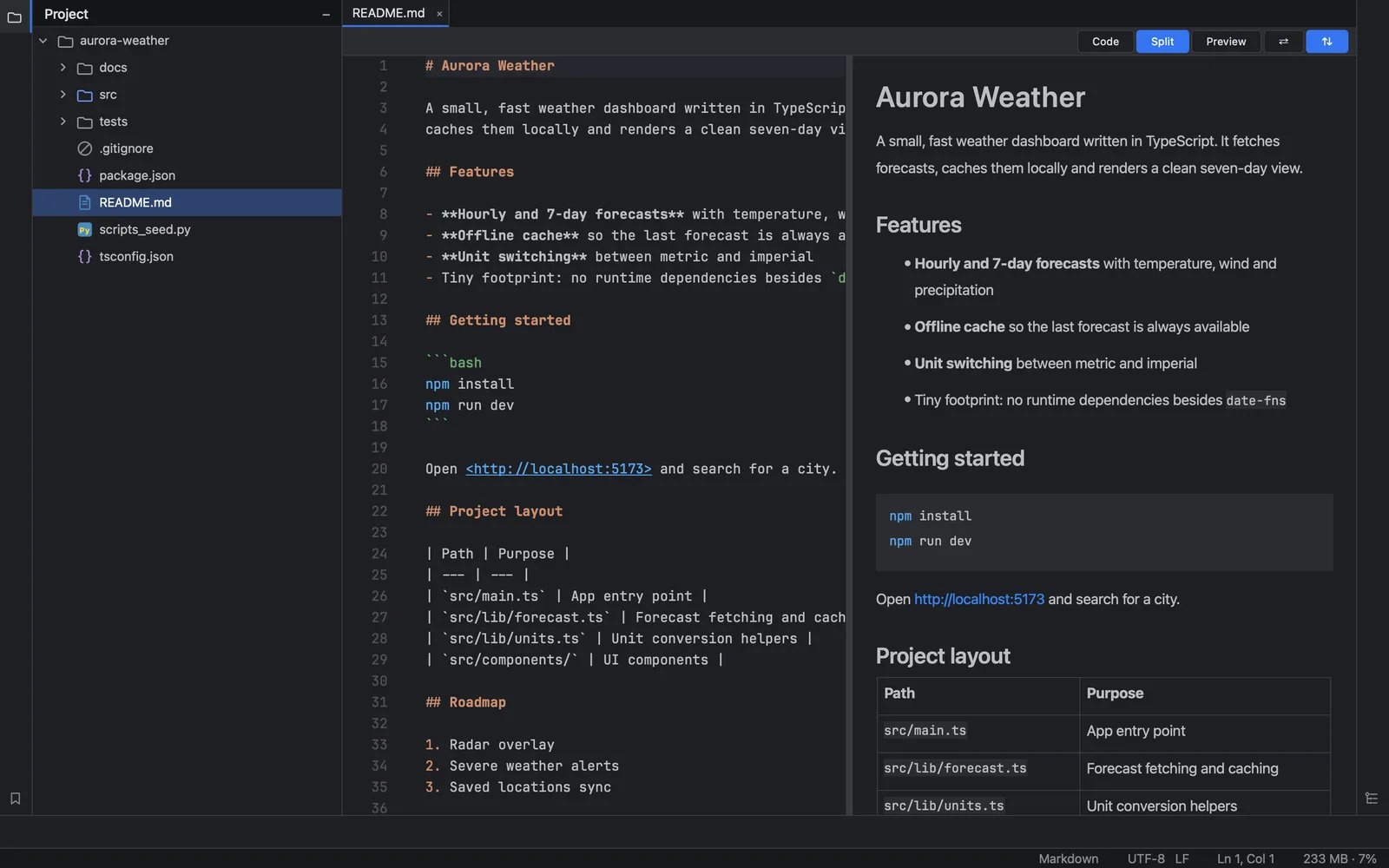
Markdown preview
Switch between code, split and preview views to see rendered Markdown as you write.
Light and dark themes
Follow the system appearance or pick a theme yourself, with editor font and size under your control.
Fully sandboxed
Runs inside the macOS App Sandbox and only touches the folders you open through the system open panel.
No accounts, no tracking
No sign-in, analytics, ads or telemetry. Your code never leaves your Mac. Read the privacy policy.
See it in action
A calm, native interface that stays out of your way.
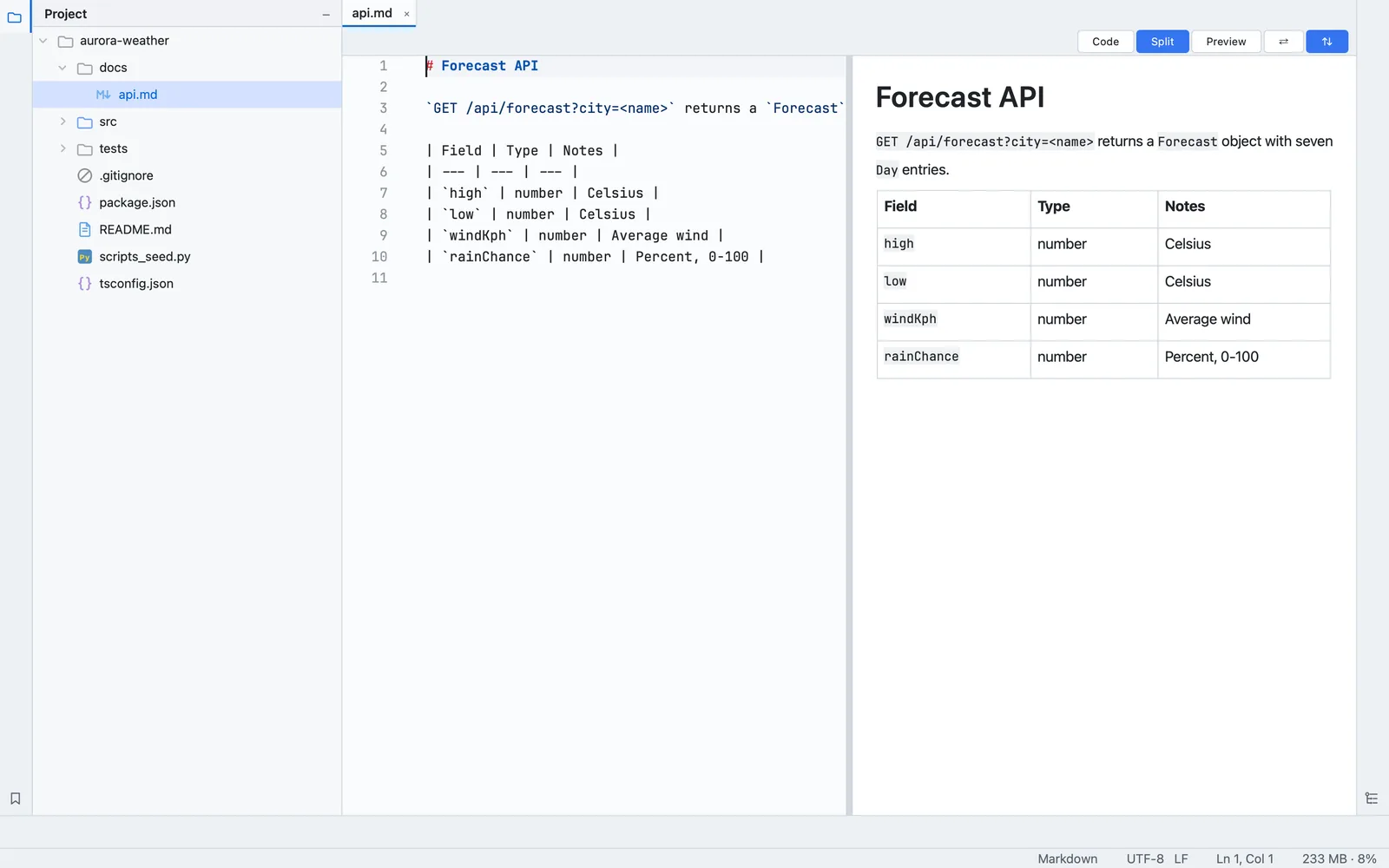
Write Markdown with a live preview
Edit the source on one side and watch the rendered document update on the other, including tables, lists and code blocks.
Light or dark, your call
A polished light theme sits alongside the dark one, so the editor fits your desk, your room and your habits.
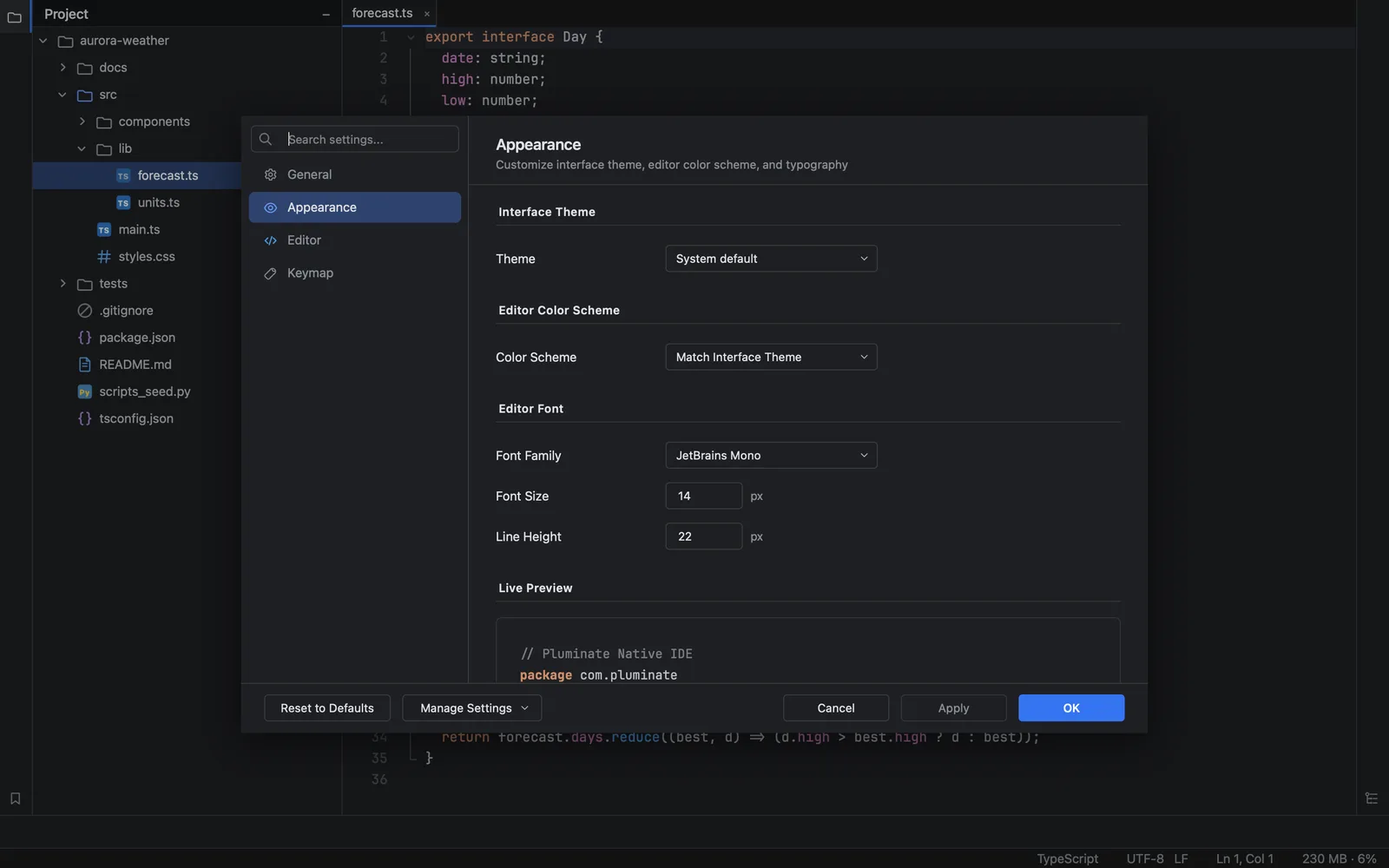
Make it yours
Choose the interface theme, editor color scheme, font family, size and line height, with a live preview as you adjust.